Labtop
🔀 Compare
Dell XPS 13 Plus (9320) by Dell
Starting from $1,199.00
Launch price for the base storage/RAM variant
Disclaimer: The price shown is the official launch price (MSRP) for the base storage/RAM configuration.
Higher storage/RAM variants cost more. Actual prices may also vary depending on your country, region, taxes, and retailer.
Higher storage/RAM variants cost more. Actual prices may also vary depending on your country, region, taxes, and retailer.
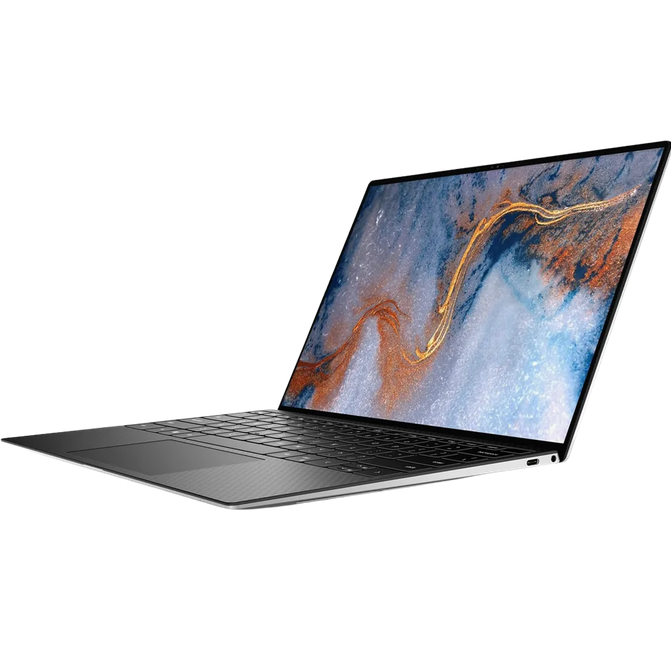
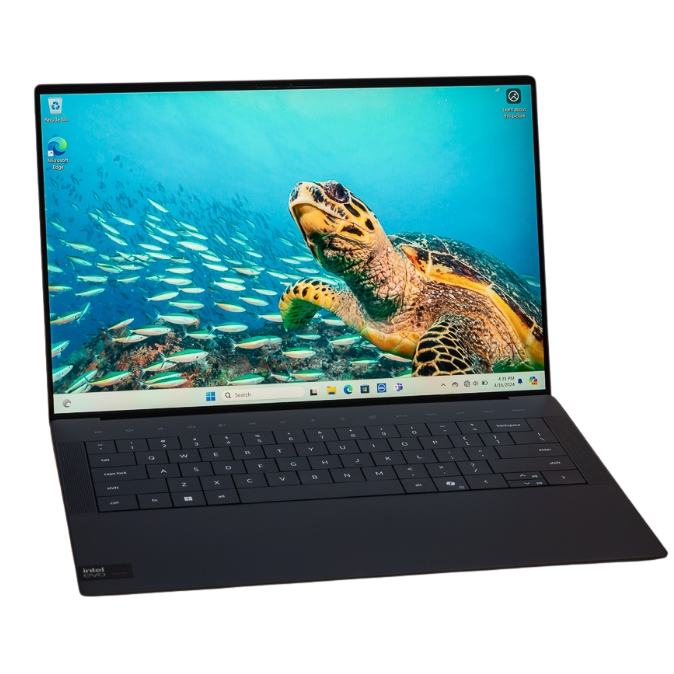
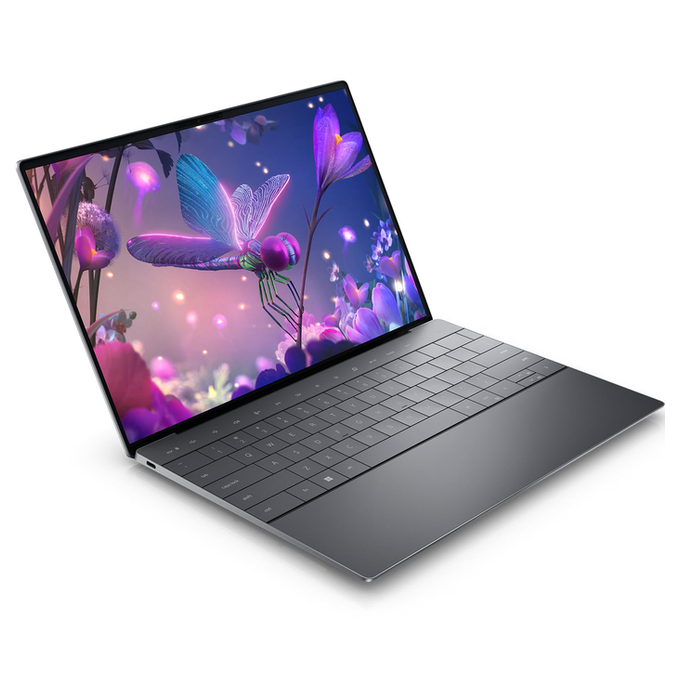
A radically redesigned 2022 XPS 13 with an edge-to-edge capacitive touch function row and a seamless, invisible glass trackpad.
About Dell XPS 13 Plus (9320)
The XPS 13 Plus (9320) represented a bold redesign of Dell's flagship ultrabook, replacing the physical function row with a capacitive touch strip, hiding the trackpad seamlessly beneath the palm rest with no visible borders, and switching to a full-width, zero-lattice keyboard. It ran 12th-generation Intel Core processors with up to 32GB of LPDDR5 RAM, and offered a 3.5K OLED display option. It launched in Platinum and Graphite colors.
Full Specifications
Imported
Model
XPS 13 Plus 9320
Form Factor
Ultrabook / Clamshell
Operating System
Windows 11
Processor
Intel Core i5-1240P / i7-1260P / i7-1280P (12th Gen)
Graphics
Intel Iris Xe (integrated)
Display Size
13.4 inches
Display Type
IPS or 3.5K OLED touch
Display Resolution
FHD+ (1920x1200), UHD+ (3840x2400), or 3.5K OLED (3456x2160)
Memory (RAM)
16GB / 32GB LPDDR5
Storage
512GB / 1TB / 2TB SSD
Ports
2x Thunderbolt 4 (USB-C only, requires included USB-C to USB-A/3.5mm adapter)
Keyboard
Zero-lattice keyboard with capacitive touch function row
Battery
55Wh
Weight
1.24 kg (2.73 lbs)
Color Options
Platinum, Graphite
Known Issues & Fixes
| Issue | Solution / Fix |
|---|---|
| Some users found the new capacitive touch function row (replacing physical keys) less tactile and more error-prone than traditional keys, especially for touch typists. | Not fixable via software; a deliberate design choice some users adapt to over time, while others prefer earlier XPS 13 generations with physical keys. |
| A number of users were caught off guard by the lack of any USB-A ports or a standard headphone jack, requiring the included USB-C dongle for legacy accessories. | Not a defect; a deliberate minimalist design decision. Keep the included USB-C adapter handy, or use USB-C-native accessories. |
Frequently Asked Questions
What colors does the XPS 13 Plus come in?
Platinum and Graphite.
Does it have a headphone jack?
No, there is no dedicated 3.5mm headphone jack; a USB-C to headphone adapter is included in the box.
How many USB ports does it have?
Two Thunderbolt 4 (USB-C) ports only; no USB-A ports are included.
What is the "invisible" trackpad?
It's a haptic, buttonless trackpad with no visible borders, blending seamlessly into the palm rest surface, using haptic feedback to simulate clicks.
Is the RAM upgradeable?
No, RAM is soldered LPDDR5 and cannot be upgraded after purchase.
Does it have a fingerprint reader?
Yes, integrated into the power button for Windows Hello sign-in.
What is the battery life like?
Battery life varies significantly by display configuration; the FHD+ non-touch model lasts considerably longer than the higher-resolution OLED touch option.